
 Italian
  English
  French
  Turkish
  Spanish
  Chinese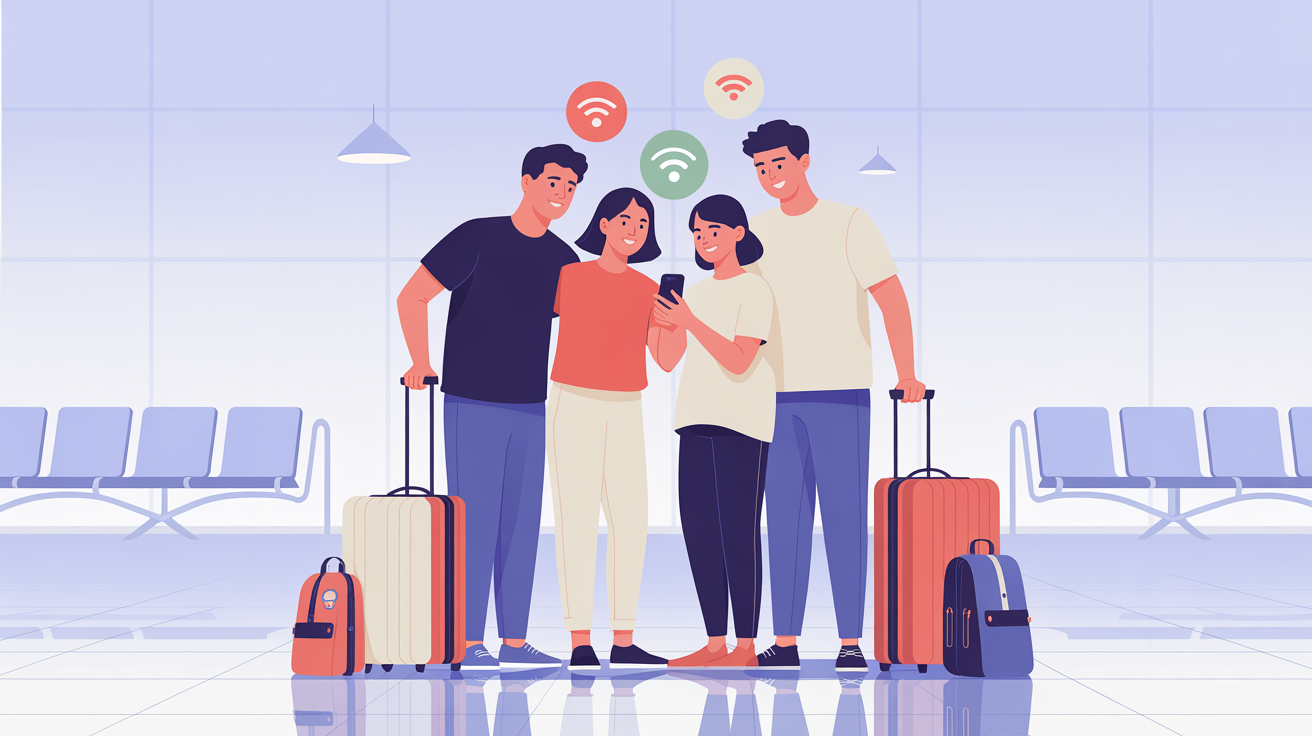
Traveling with family is easier when everyone stays connected. Whether you’re coordinating plans, sharing photos, or navigating a new city, mobile data plays a key role. With an eSIM, sharing data while traveling becomes simple and efficient.
What Is Data Sharing with an eSIM?
Many smartphones allow you to use your eSIM connection as a mobile hotspot. This lets family members connect their devices using Wi-Fi without needing individual SIM cards.
Benefits of Sharing eSIM Data
-
One data plan for multiple devices
-
Lower overall cost
-
Easy setup without additional hardware
-
Ideal for families and groups
How to Set It Up
-
Install and activate your eSIM
-
Enable mobile hotspot on your phone
-
Connect other devices securely
-
Monitor data usage to avoid overconsumption
Best Situations for Data Sharing
-
Family vacations
-
Traveling with children
-
Group tours
-
Short-term trips
Conclusion
An eSIM makes it easy to share mobile data with loved ones while traveling. It’s cost-effective, reliable, and removes the hassle of managing multiple SIM cards.