
 English
  French
  Turkish
  Italian
  Spanish
  Chinese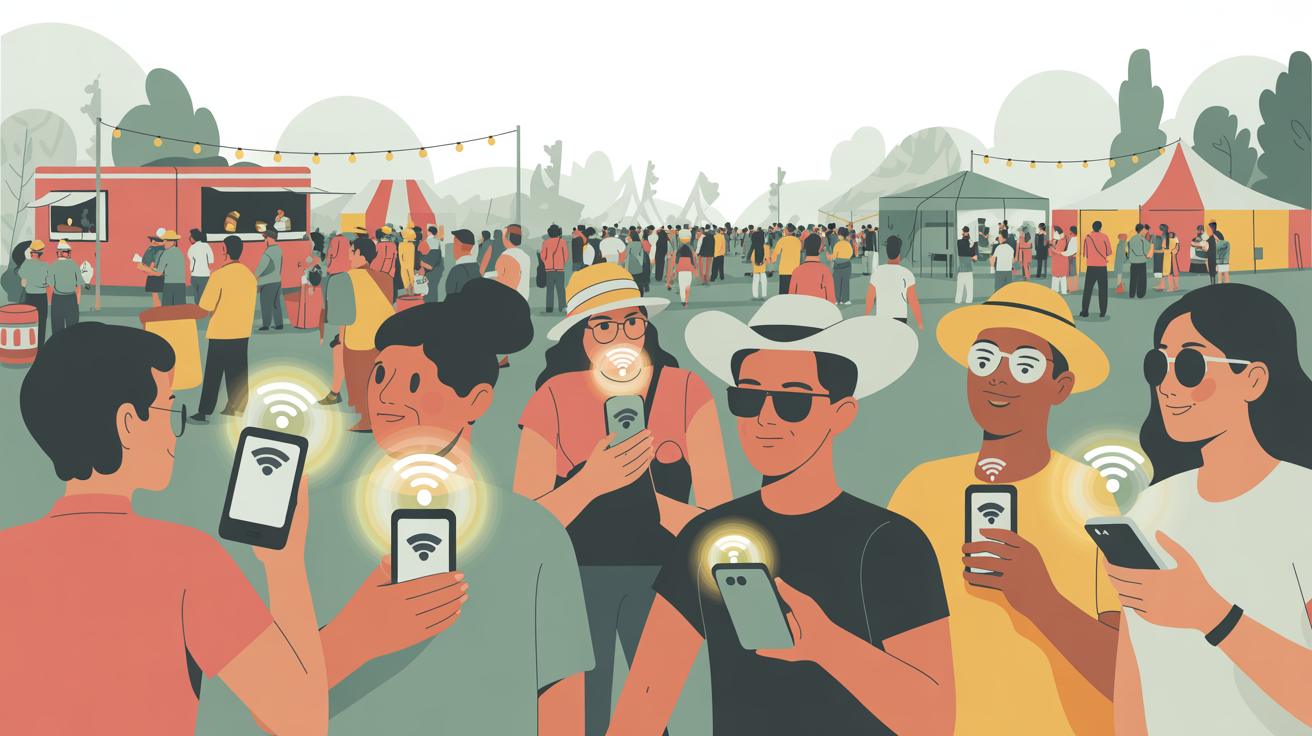
Stay Connected During Festivals and Events: Your eSIM Data Guide
Festivals, events, and crowded destinations often mean poor connectivity and overloaded networks. An eSIM helps you stay online when it
Festivals, events, and crowded destinations often mean poor connectivity and overloaded networks. An eSIM helps you stay online when it

Business travelers need fast, reliable internet wherever work takes them. Our eSIM plans are designed to meet the demands of
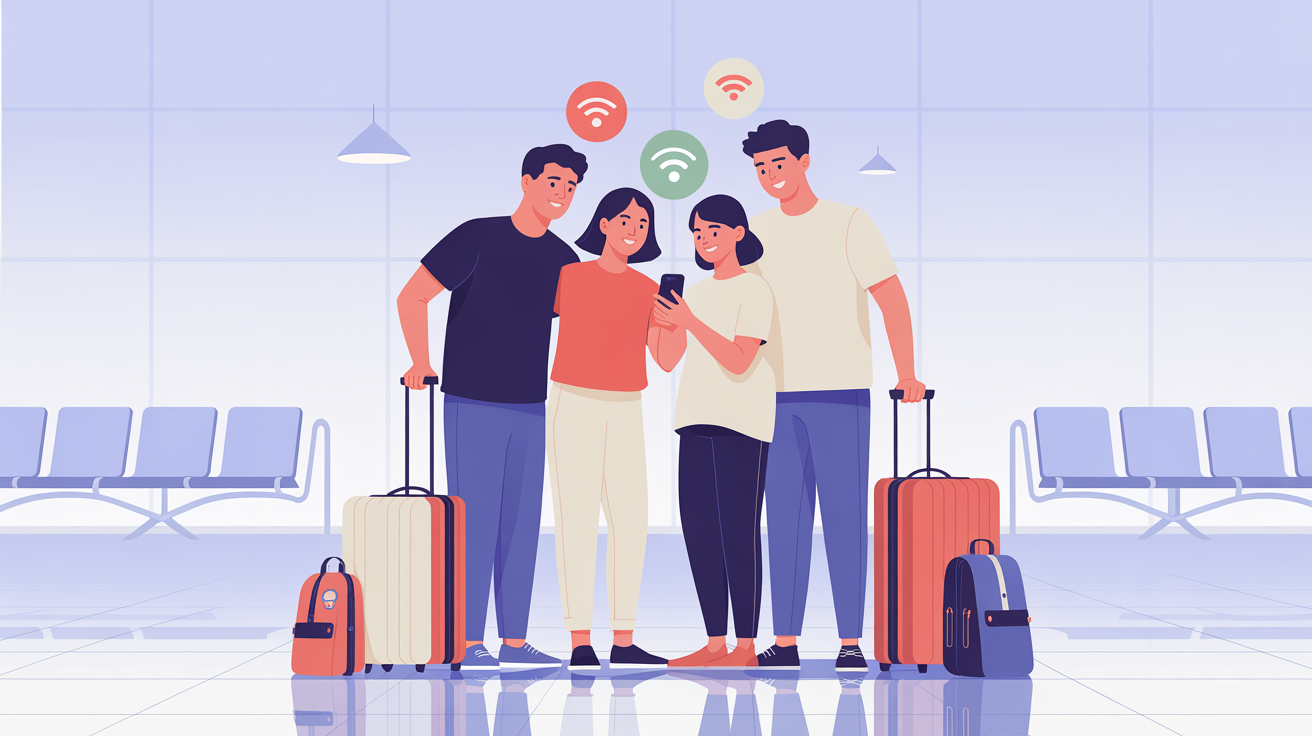
Traveling with family is easier when everyone stays connected. Whether you’re coordinating plans, sharing photos, or navigating a new city,
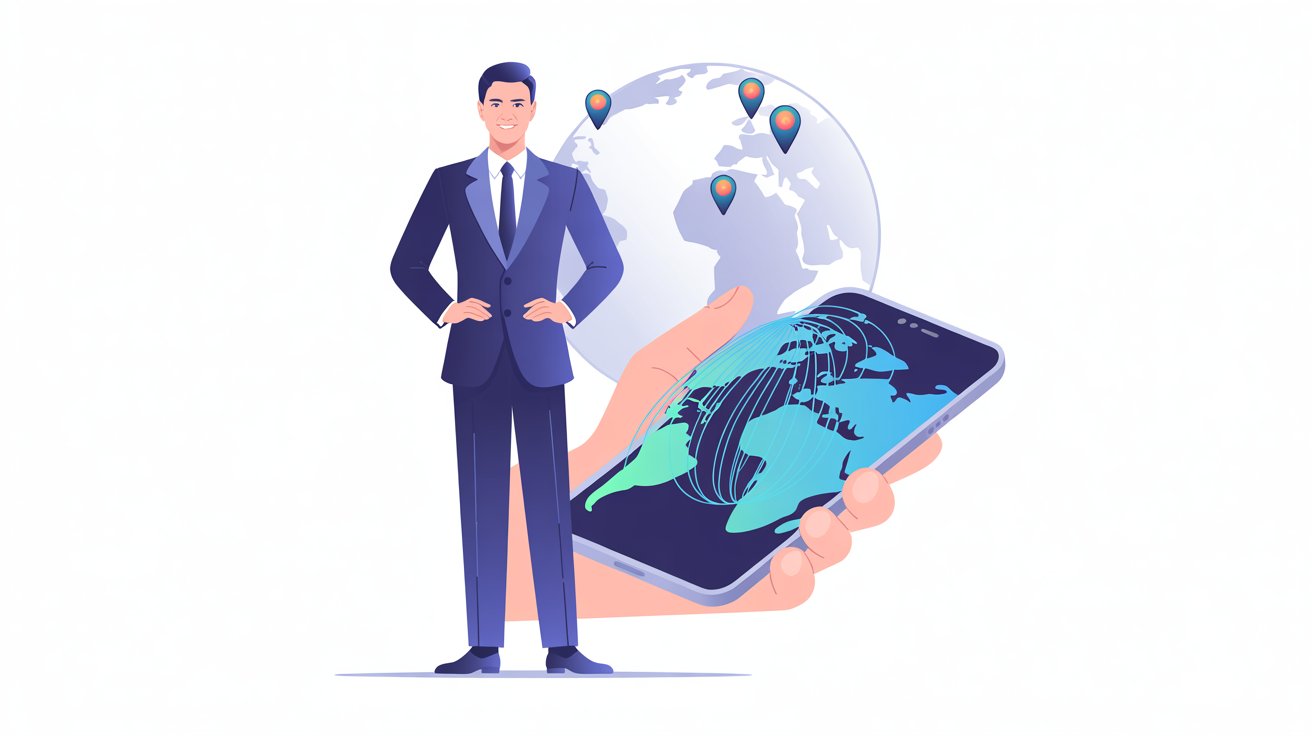
Staying connected while traveling internationally has never been more important. From navigation and bookings to remote work and staying in
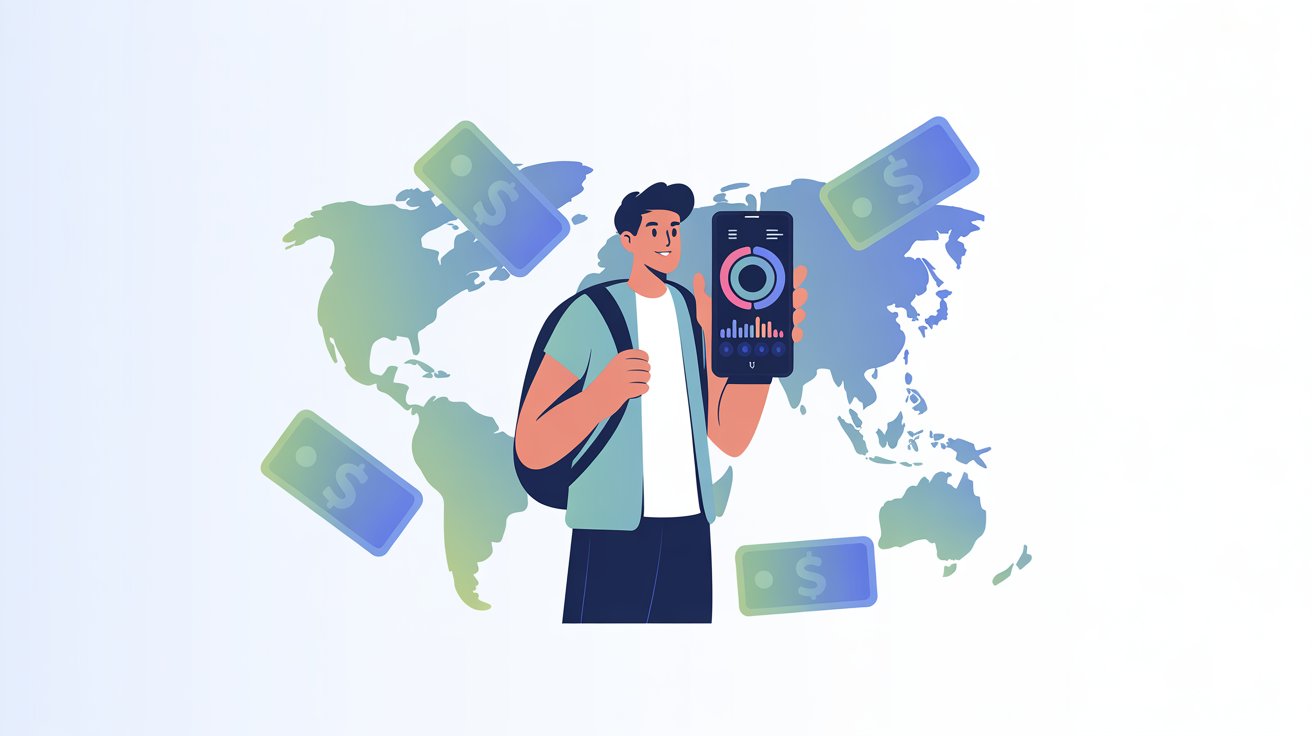
Traveling abroad is exciting, but unexpected roaming fees can quickly turn a great trip into an expensive one. Traditional SIM
Send us a message and we'll reply by email.